🏔️ Goat Quest
A motion platformer for kids and adults. Seen from the side, the goat travels right across meadows, forests, caves and mountains all the way home to its shed – and you control it with your whole body. Swing your arm and the goat walks, jump and the goat jumps.
On iPhone and iPad: tap Share in Safari and choose Add to Home Screen.
How to play
- Walking: swing your right arm in circles and the goat walks forward (right); the left arm walks back.
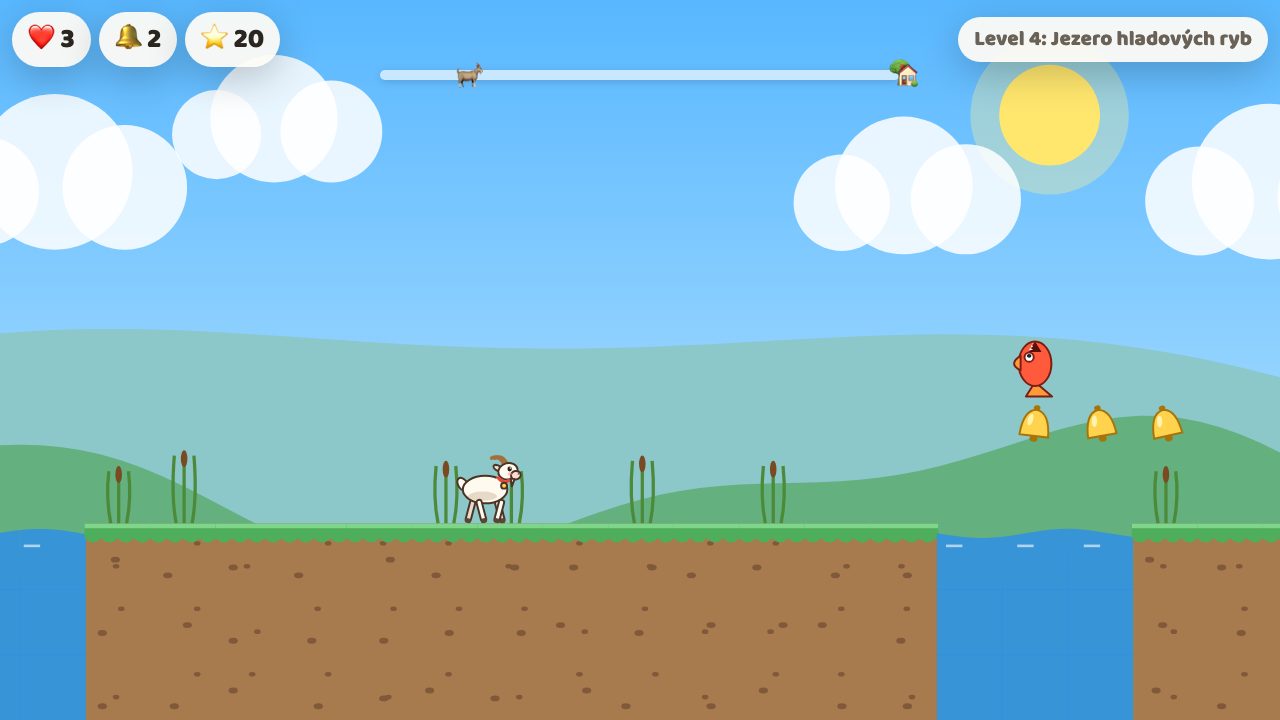
- Jumping: jump and the goat jumps. A jump while walking is a long jump over gaps and water.
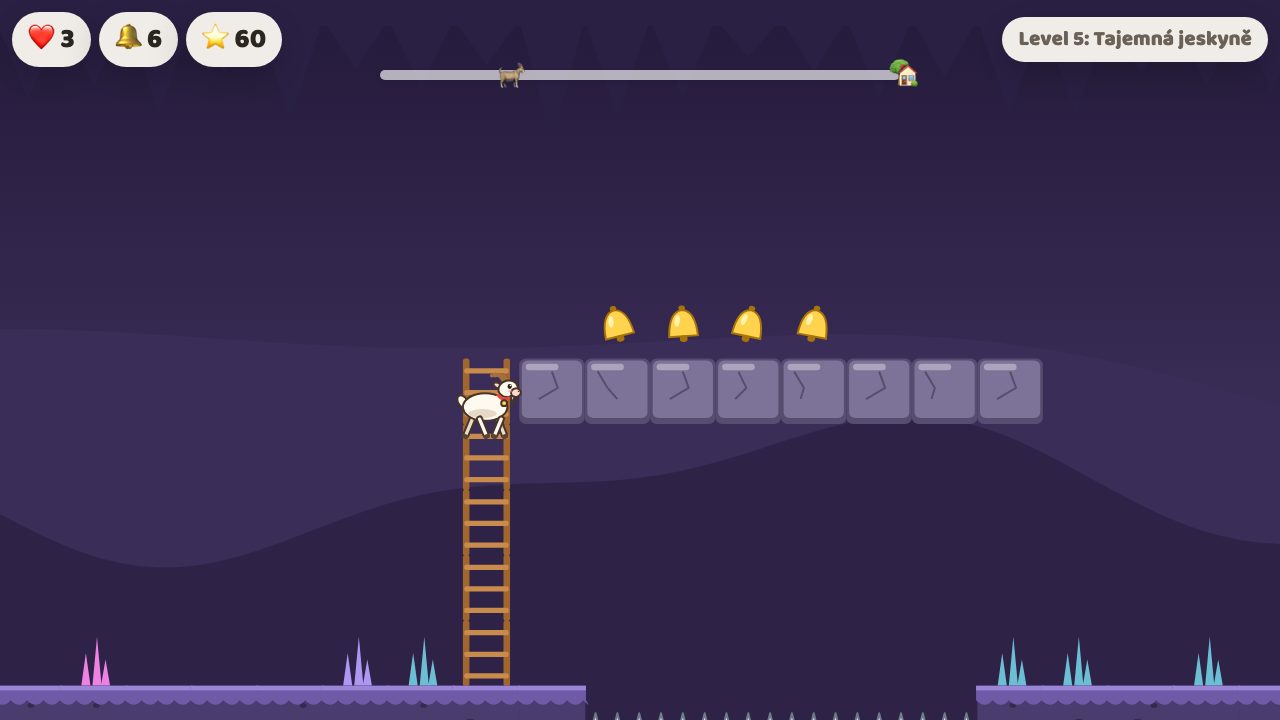
- The goat climbs stairs on its own. A ladder is climbed by jumping: hop, hop, hop – a step higher with every jump.
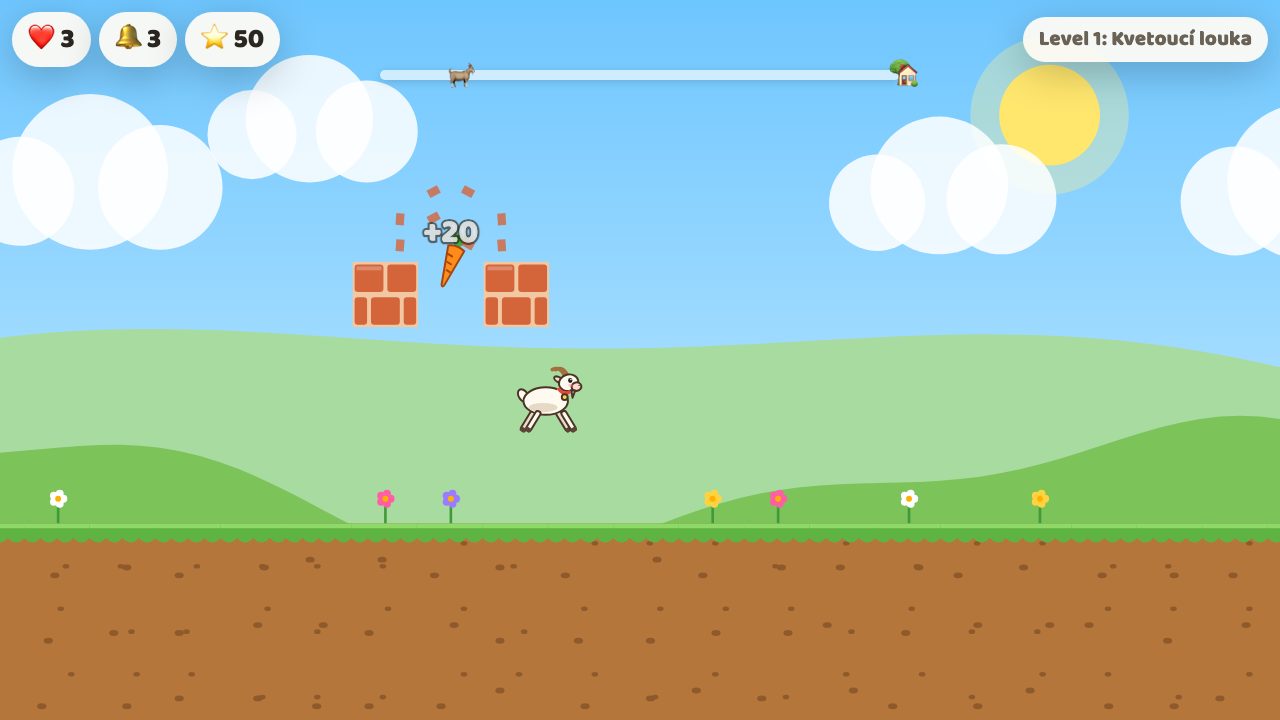
- Bricks break with a head bump. Some hide a 🥕 carrot – the goat eats it, grows and gets an extra life. A golden carrot ⭐ makes it invincible for a while, and the bells then fly to the goat on their own.
- Collect bells 🔔 – every 50 give an extra life.
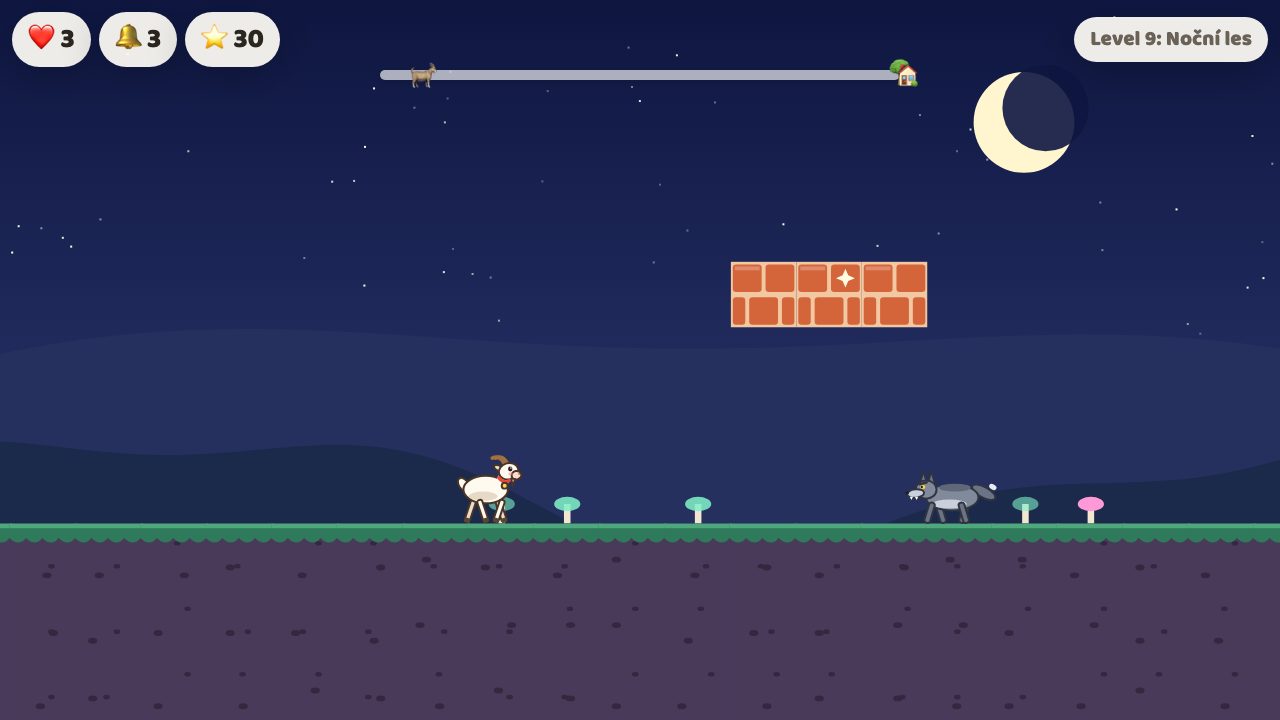
- Wolves run and hop around. Jump on their backs and they vanish; touch one from the front or the back and it bites. Also watch out for hungry fish, spikes, water and deep wells.
- You start with 3 lives. After losing one you go back to the last flag and blink for a moment – nothing can hurt you then.
Controls
| Controls | Walk | Jump | Down a ladder |
|---|---|---|---|
| 📷 Camera – arm circles | swing the right arm (the left one walks back) | jump | – |
| 📷 Camera – arm out (for little ones) | stretch the right arm out to the side, bend it to stop | jump (with the arm out for a long jump) | – |
| ⌨️ Keyboard | arrows ← → or A D | Space, W or ↑ | S or ↓ |
| 👆 Touch | right thumb: the circle bottom right | left thumb: top half of the circle on the left | left thumb: bottom half |
The camera is the best way to play: put the phone or laptop 2–3 m in front of you so it sees you whole, and cast the picture to your TV. At the start, raise both hands above your head – the game remembers you. Switch the way of walking (circles or arm out) in the game menu.
Ten levels
- Flower Meadow
- Deep Forest
- Hills and Hillocks
- Lake of Hungry Fish
- Mysterious Cave
- Village of Wells
- Sunset Canyon
- Snowy Plains
- Night Forest
- Above the Clouds
Finishing a level unlocks the next one. The game remembers your progress in your browser.
Installing
Goat Quest is part of the GoatoMotion web app (PWA). Add it to your home screen with the Install the app button (Chrome, Edge, Android) or with Share → Add to Home Screen (Safari on iPhone and iPad). After the first start it works offline too.
Privacy
The camera picture is processed only by your browser and never sent anywhere. The game has no accounts, cookies or analytics. See the privacy policy (GDPR) and the terms of use for details.
About the game and the author
Goat Quest was made by oldasalek.cz. You find more motion games on the GoatoMotion home screen, more about the whole project on the About page and what is new on the Releases page.